Image Markup gives your shop a professional way to highlight what you see on a vehicle during inspections. By circling, pointing, or adding notes directly on photos, you can make issues crystal clear for customers. This builds trust, helps customers feel confident in your recommendations, and makes it easier for them to approve more work.
Why Use Image Markup
- Clarity – Show customers exactly what you see under the hood.
- Professionalism – Clean visuals make your shop stand out.
- Trust – Transparent communication builds confidence.
- Approvals – When customers understand the problem, they’re more likely to say yes to repairs.
How to Use Image Markup
On Web/Desktop
- Open an inspection in Tekmetric (Select an RO then select "Inspections" tab)
- Upload or select a photo you want to share (this can be done on the Tekmetric Mobile App or on Tekmetric Desktop).
- Tap the image to open it.

- Select Edit (pencil icon).
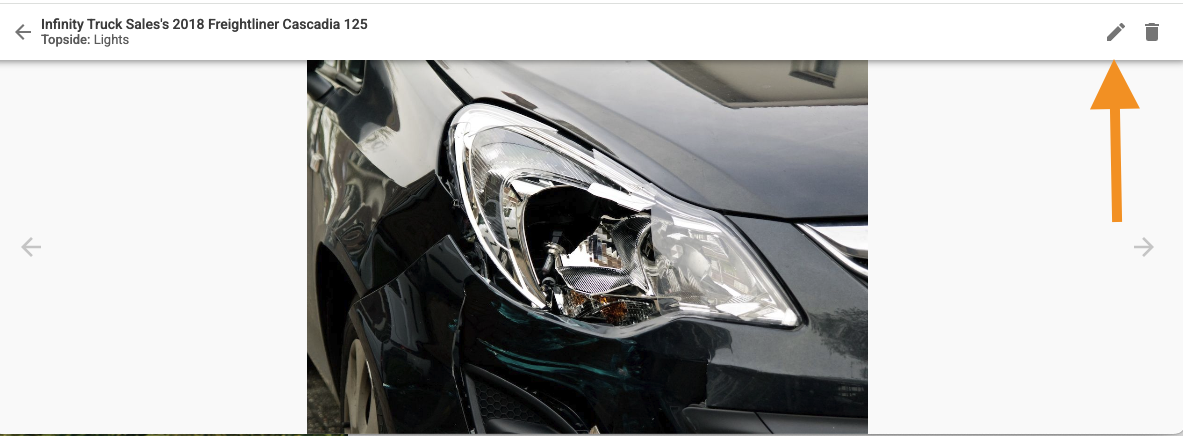
- Use the markup tools to:
- Circle areas of concern
- Add an arrow to highlight specific parts
- Add text for quick notes
- Bonus: You can even rotate the image if you need to
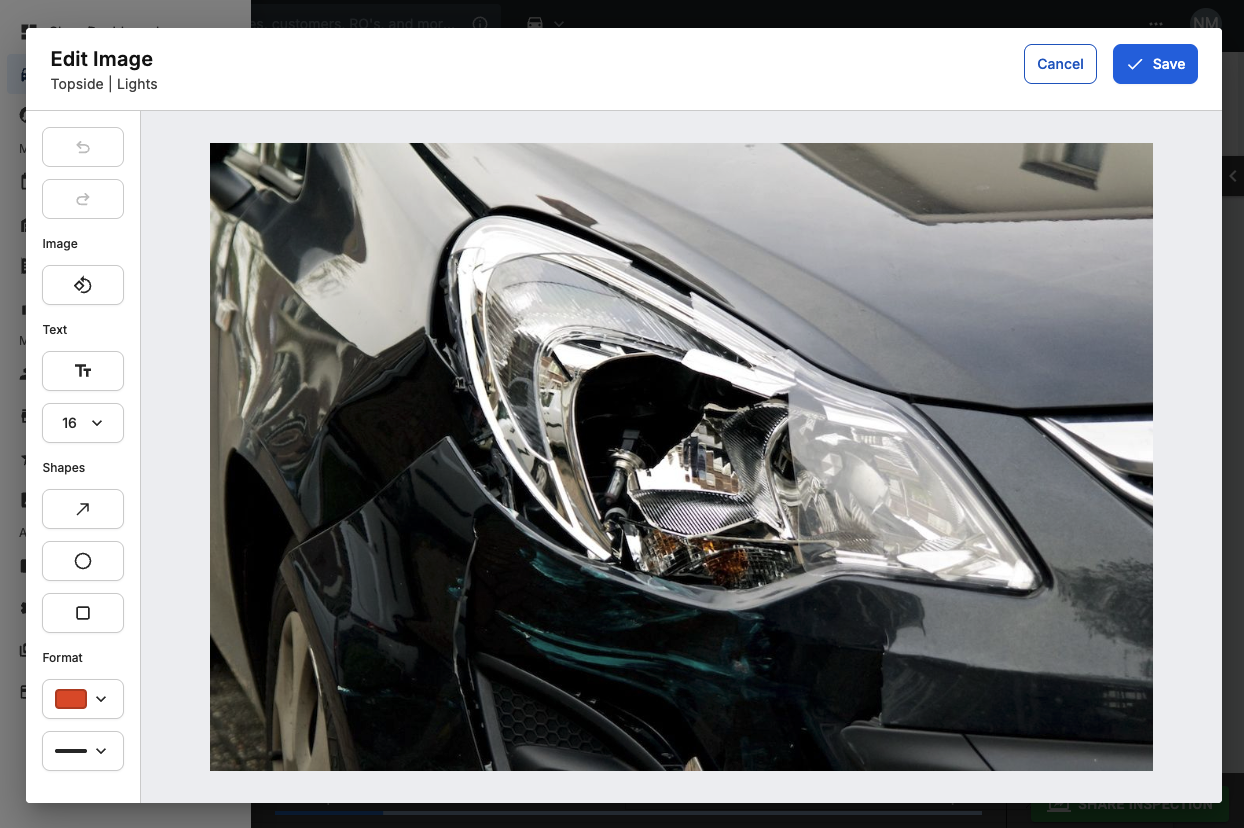
- Save your changes — your annotated photo will now appear in the Inspection Report for the customer.
On the Tekmetric Mobile App
- Select the image uploaded on the inspection task
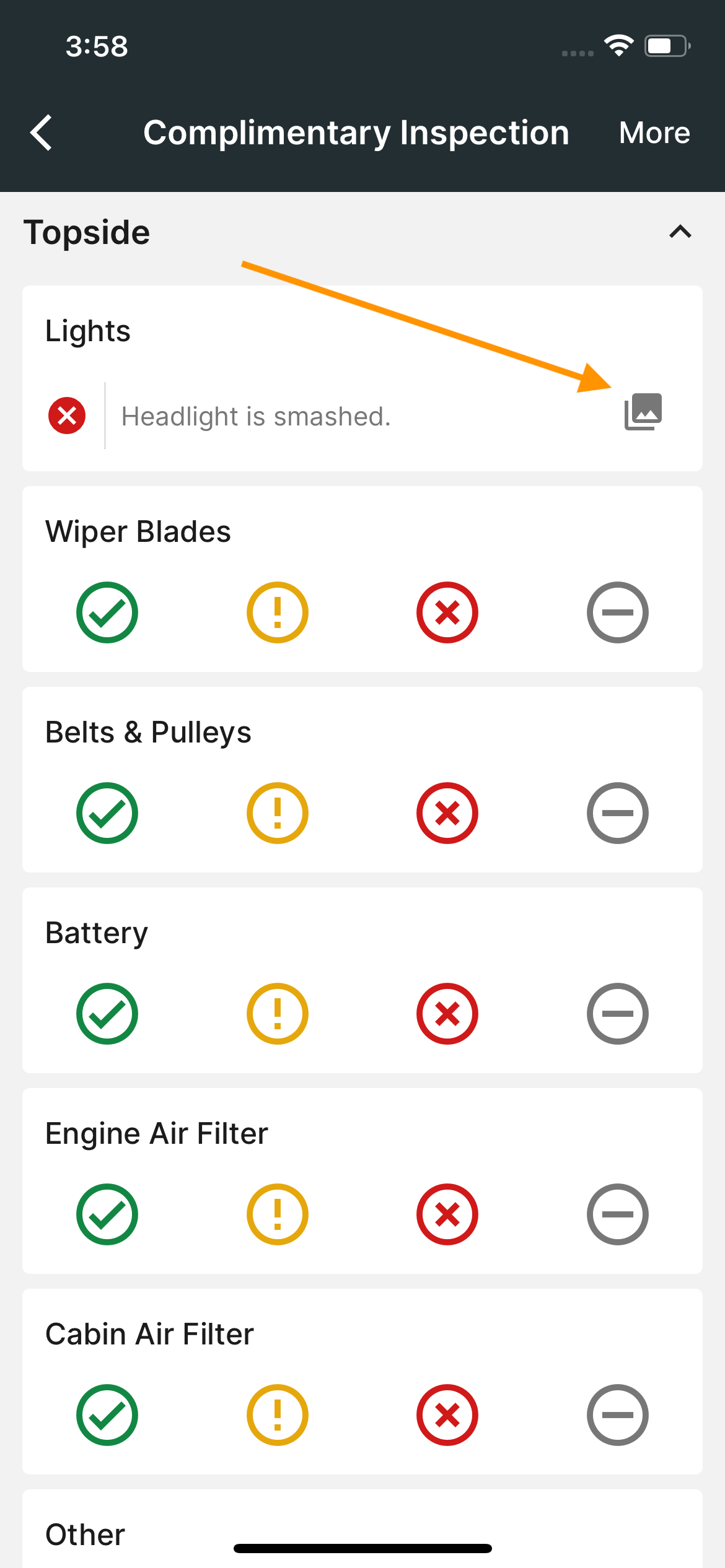
Or
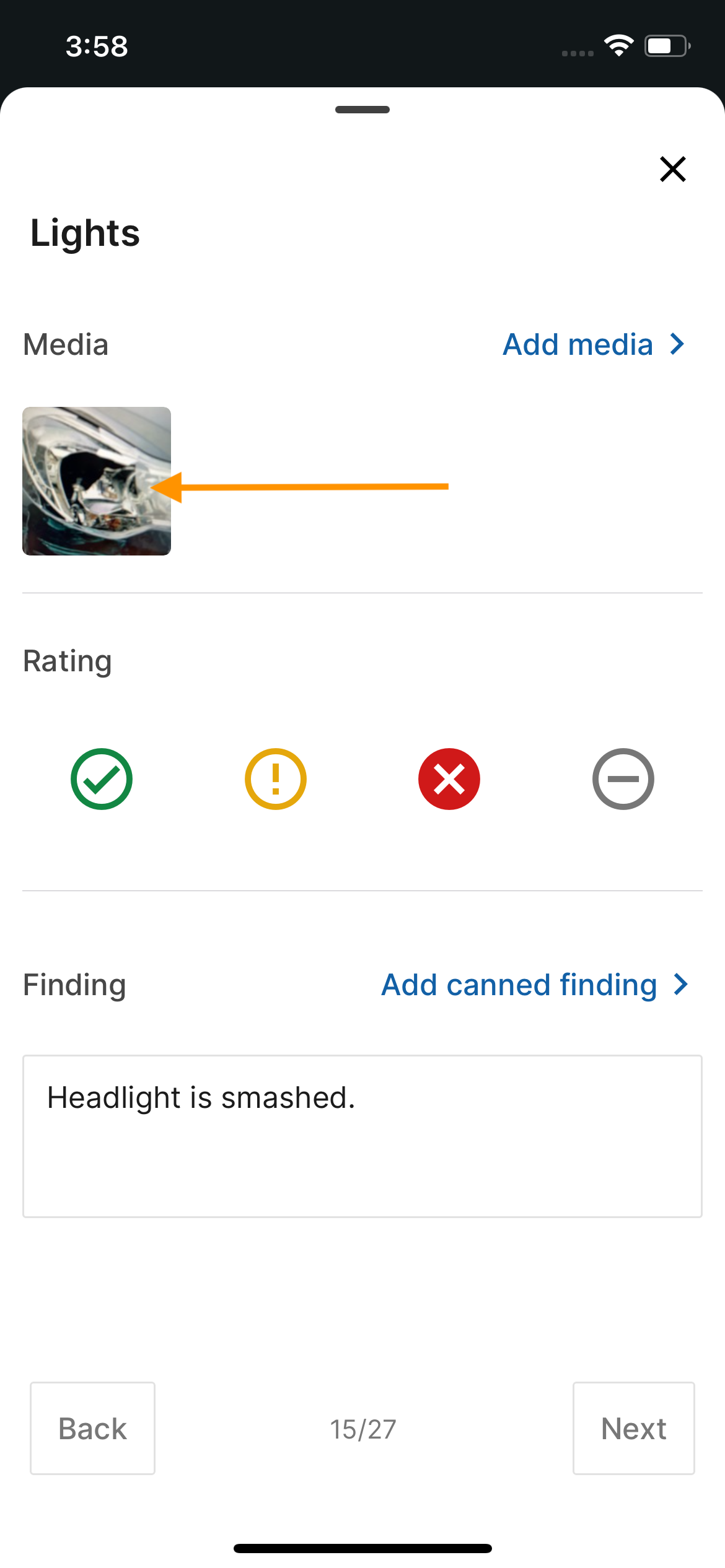
- Select the pencil icon to edit
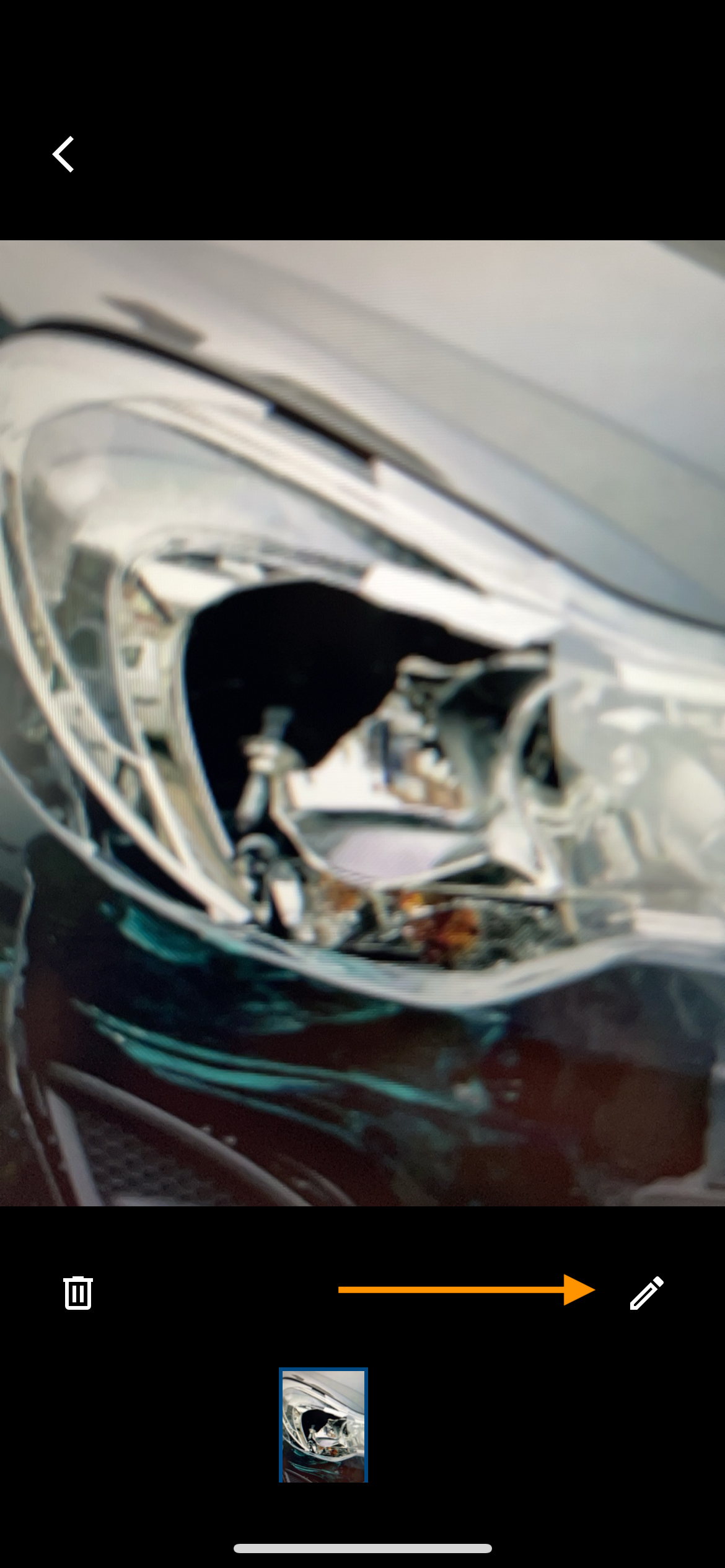
- Use the markup tools to:
- Circle areas of concern
- Add an arrow to highlight specific parts
- Add text for quick notes
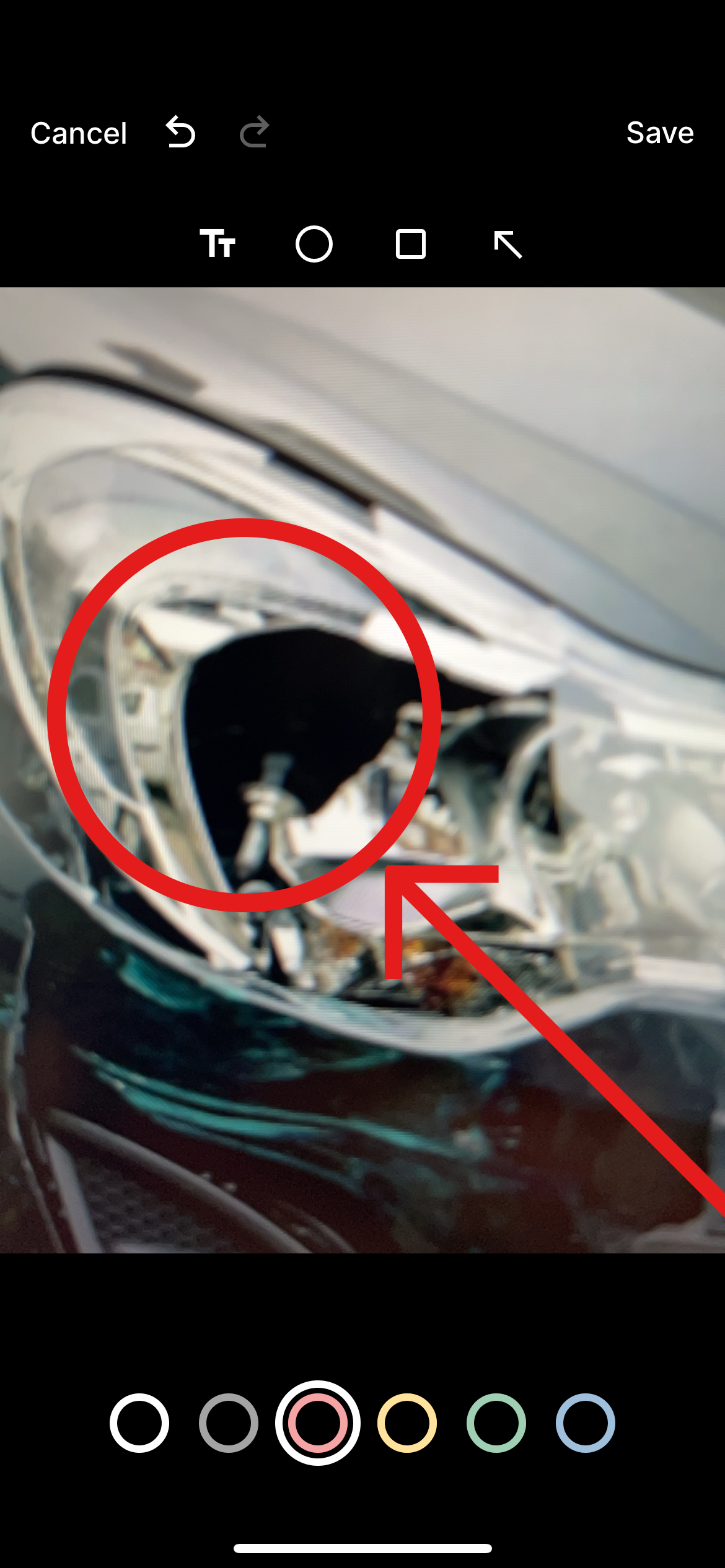
- Save the edits to the image.