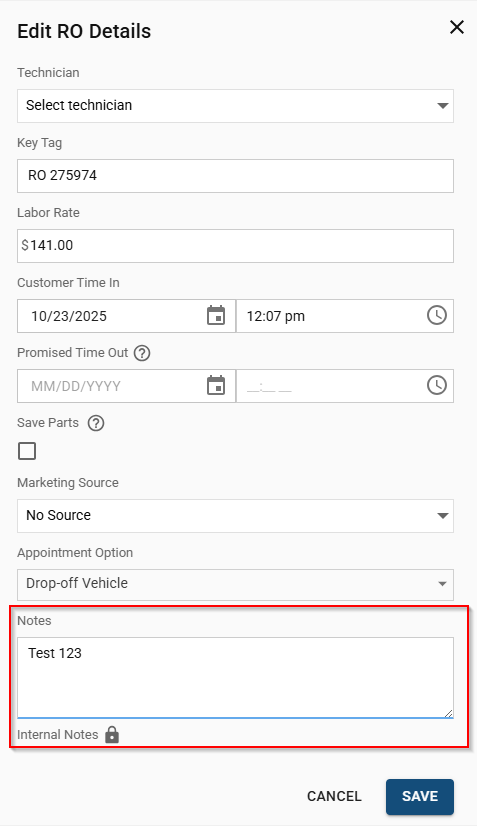
Internal notes are critical for communicating important details about a job, a customer, or a vehicle to your team. These notes do not appear on customer estimates or invoices, making them a secure way to log information for your staff.
Steps to Add or Edit Internal Notes
- Navigate to the RO and open the desired Repair Order from your job board.
- Locate the gray Sidebar on the right hand side of the repair order.
- Select the pencil icon located next to the RO number in the sidebar and this will open the Edit RO window.
- Enter Your Note in the Edit RO window, find the Internal Note field (located at the bottom of the window)
- Click the Save button at the bottom of the window to apply the note to the Repair Order.