In the Customers section, you can add, delete, edit, or merge customers. In this article, you will find information on how to delete a customer from your shop.
Delete Customer:
- Click the Customers section on the left menu bar.
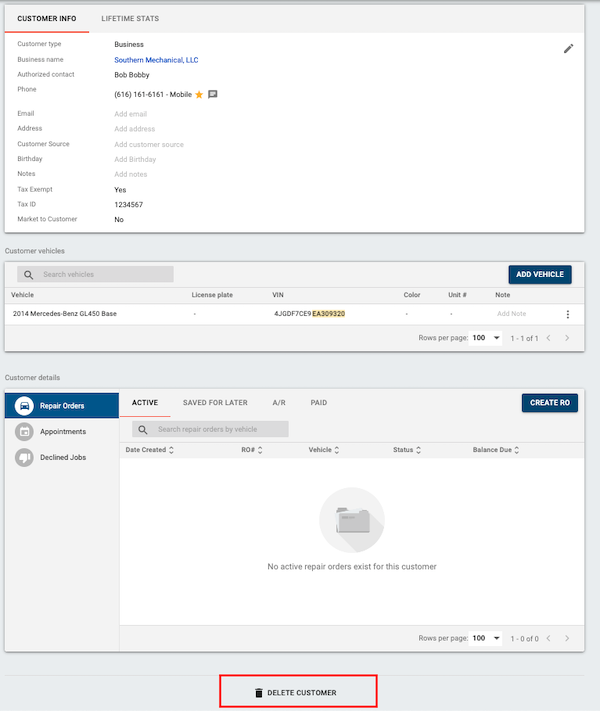
- Click on the desired customer you want to delete.
- Scroll to the bottom of the page and click Delete Customer.
- Click the red Delete button in the window that pops up.
FAQs for Deleting Customers
If I delete a customer is the data gone? Tekmetric will not remove any data as the customer profile will remain. Information about the customer will still populate in reports and all RO history will remain.
Can I recover the deleted customer? There is not a a way to un-delete a customer, however, you can always create new profile (for the deleted customer) and transfer the deleted account to the new profile.