The Customer Concern is how you can document the customer's reason for visit. This serves as the source for the shop to understand the priority in the scope of work for the customer.
How To Add
The Customer Concern can be populated in two ways:
- Manual Add
- Automation
For Manual Add, simply select "Add Concern" under the Customer Concern section within the Vehicle Issues table. This table is conveniently available on the Inspection and Estimate tabs of the Repair Order.
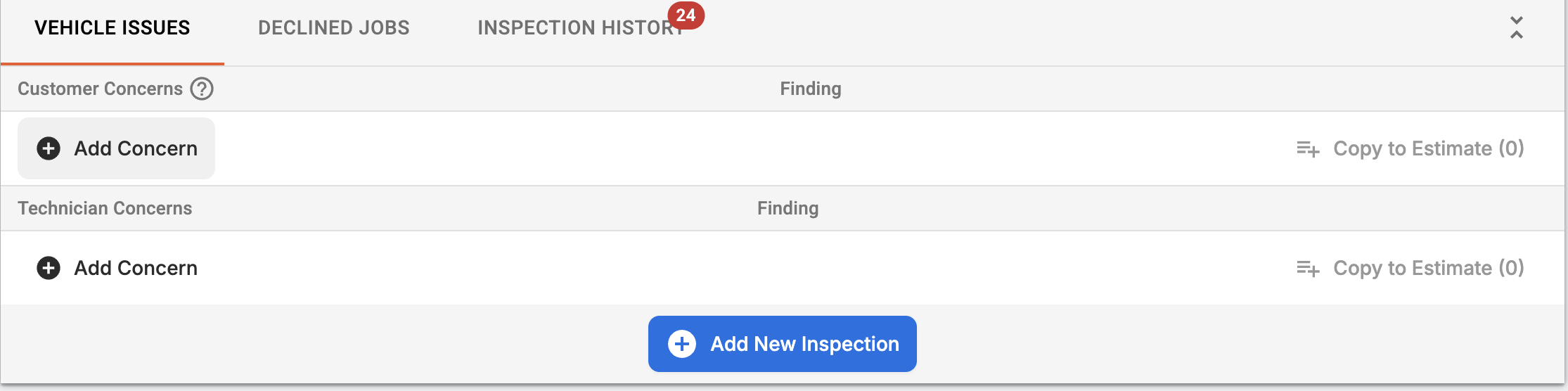
For the Automation option, many CRM providers like Tekmetric Marketing can insert the customer concern automatically from an online booking tool.
Components of the Customer Concern
- Customer States
- Enter what the customer is visiting for. It is recommended to enter each concern as its own item/row.
- Finding
- A dedicated space to detail what the finding and/or the recommendation is for the customer's concern.
- Media
Sharing with the Customer
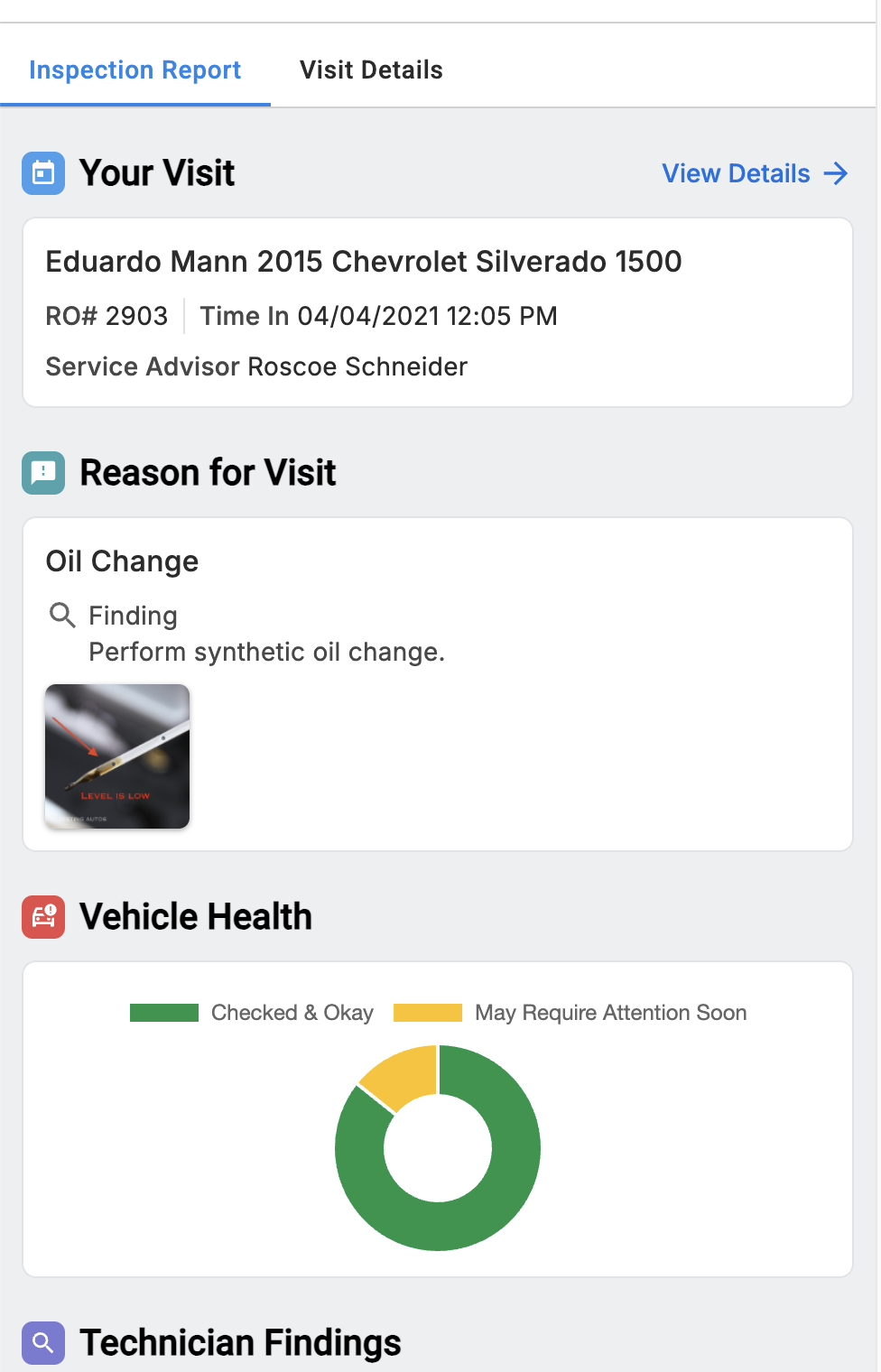
To build trust with your customer, it is recommended to share the findings and any related media to the concern with the customer. This helps the customer feel like their primary concern will be addressed and any other supporting vehicle issues can be viewed within the Technician Concerns and Inspection Report.
Example of the Inspection Report sent digitally to a customer:
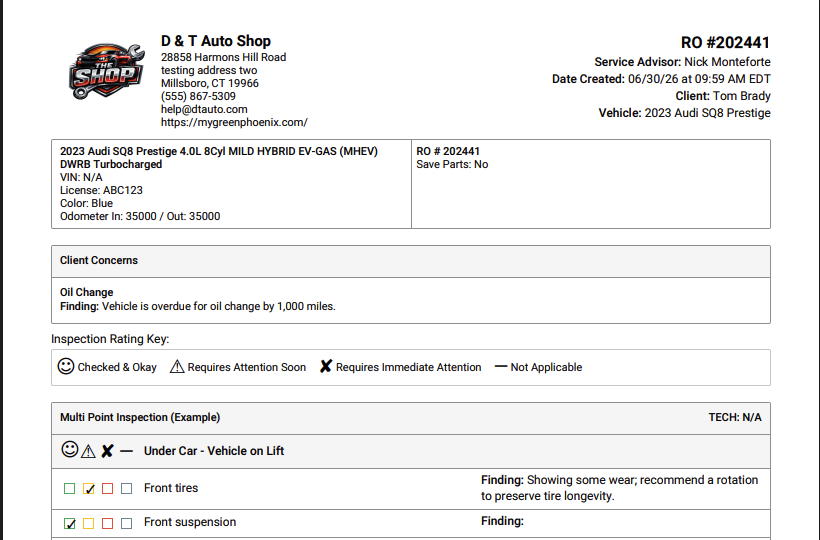
Example of Printed Inspection Report:
Transparency Settings
If you do not wish to share the customer concern findings and the media with the customer, deselect Show customer concern finding on Transparency Settings.
