For customers looking to track online bookings back to advertising platforms (Facebook, Google, etc.)
How it Works:
We do conversion tracking through Google Tag Manager. If you don't have a GTM container configured on your site, complete that first.
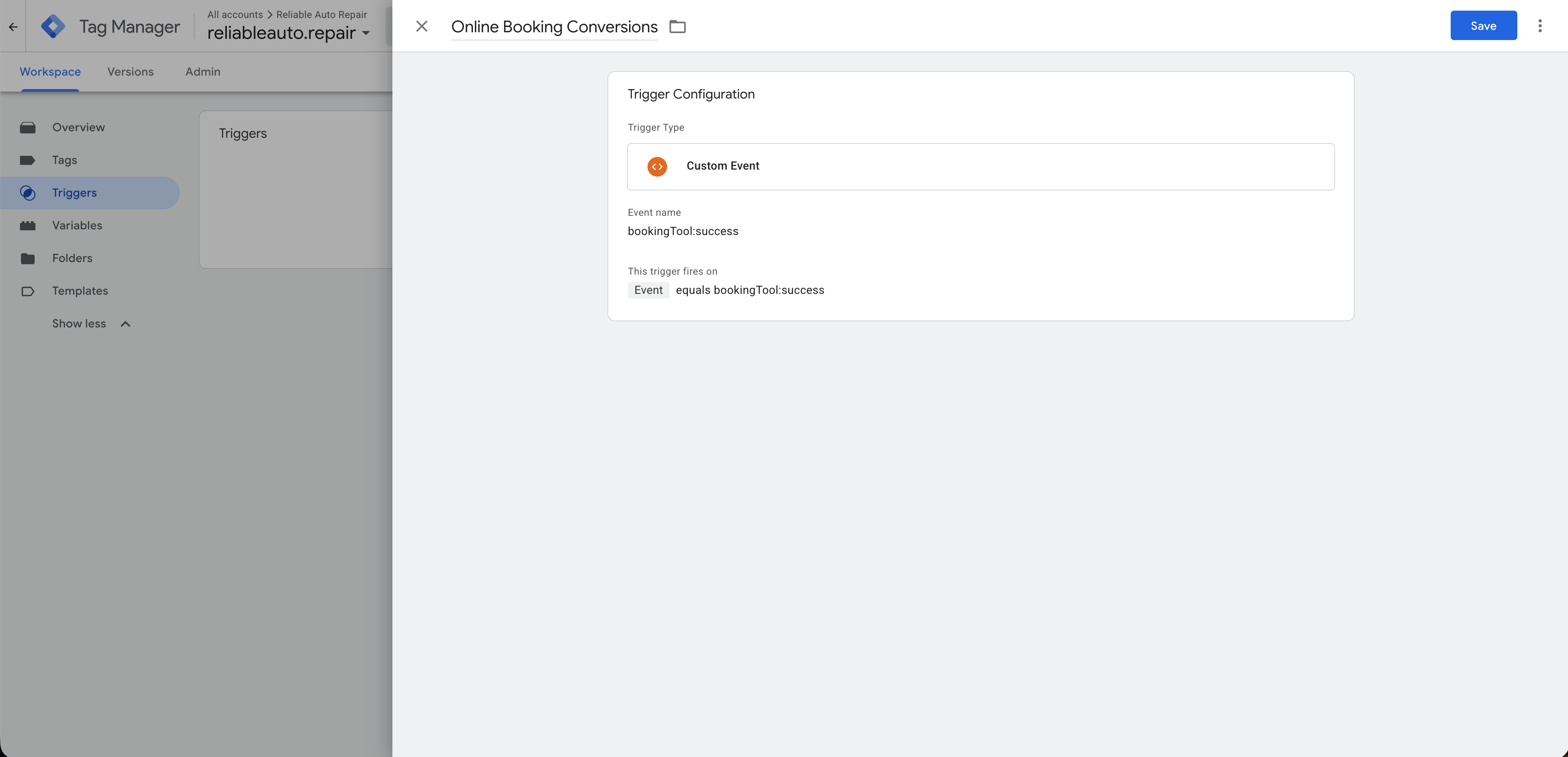
Tekmetric fires a custom data layer event called bookingTool:success that is then picked up by GTM and used to fire conversion events.
Step 1: Go to your GTM container:
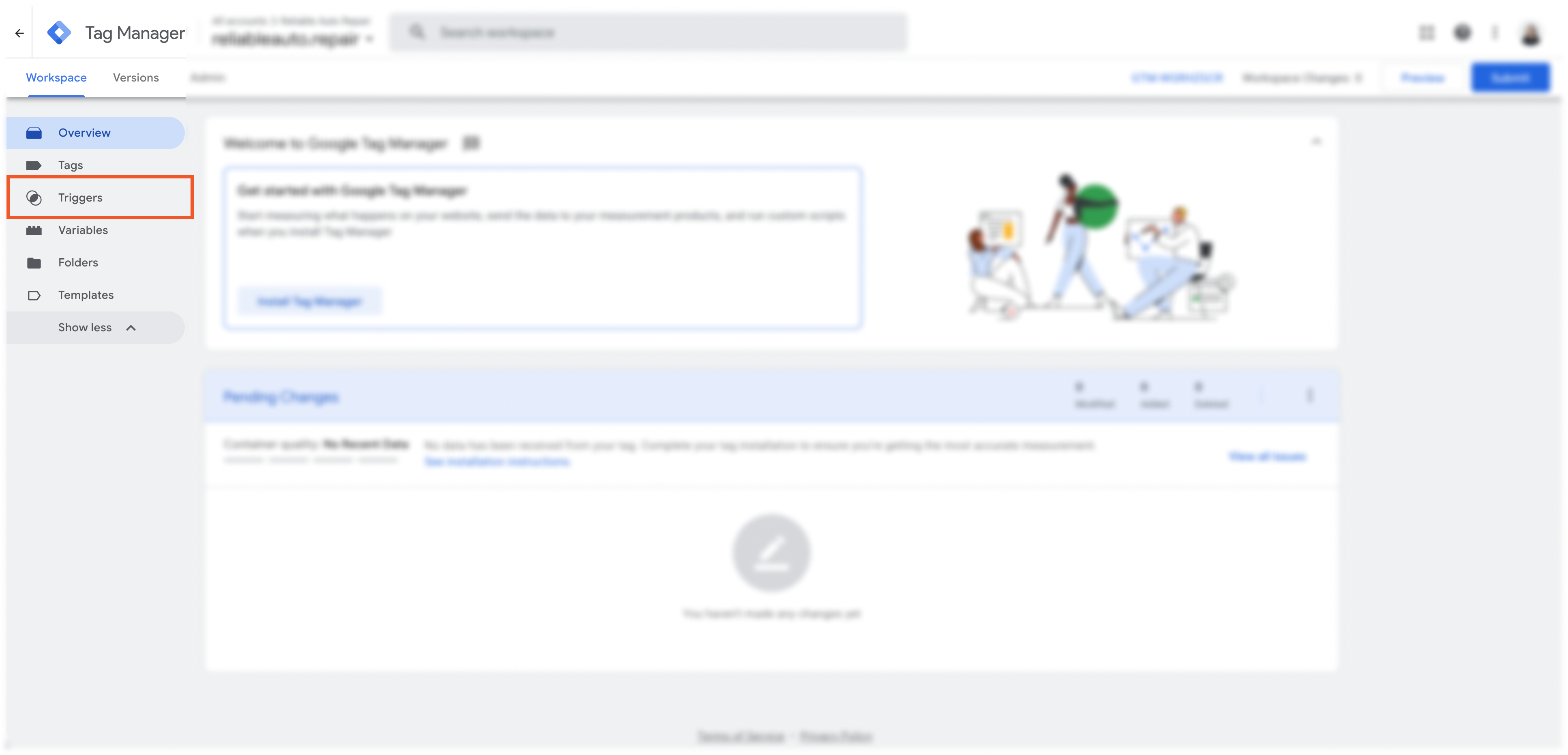
Step 2: Go to "Triggers"➝ "New" and configure the trigger as follows:
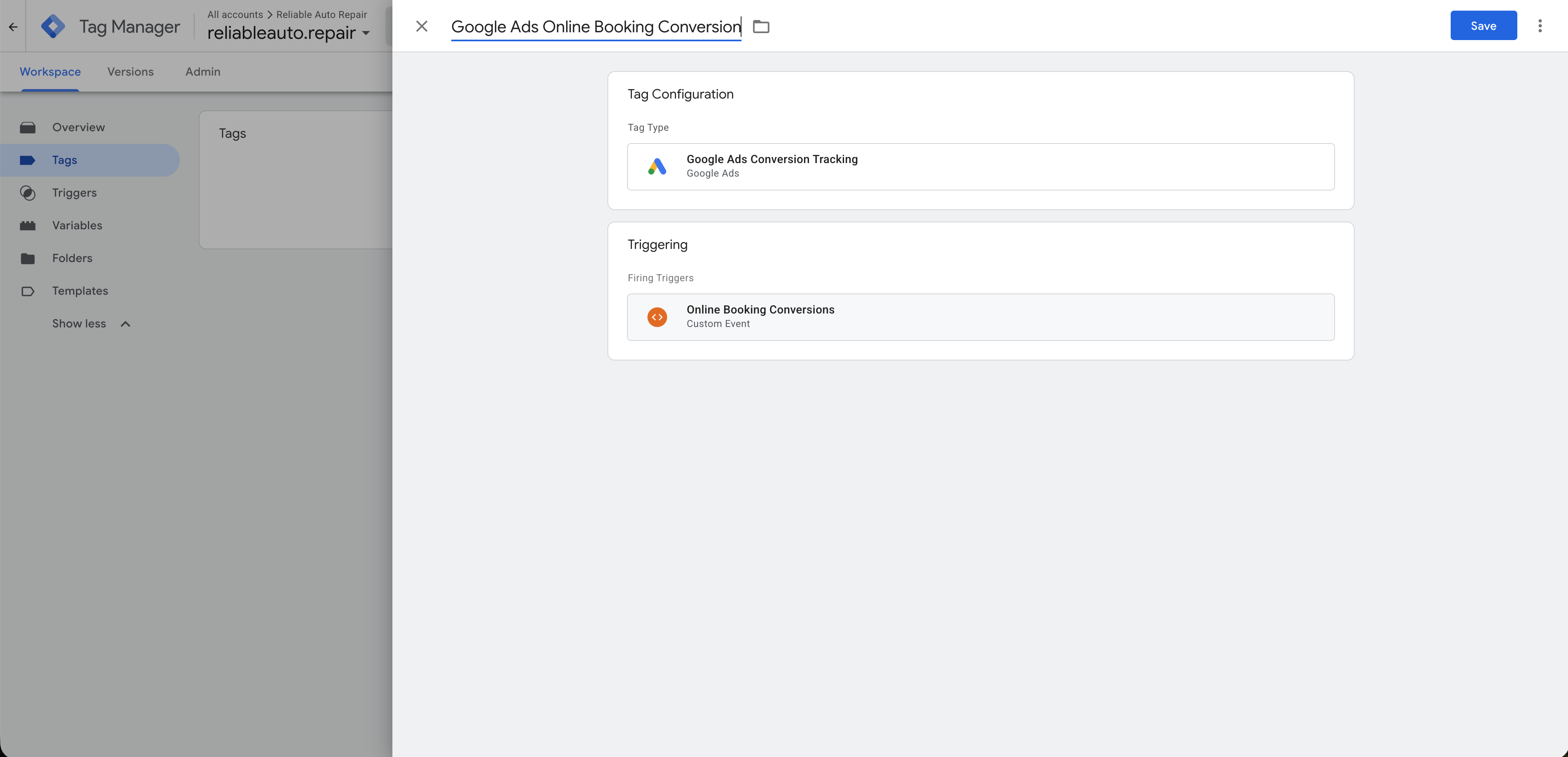
Step 3: Use that custom event trigger to fire conversion tags!
Facebook Specific Instructions
Step 1: Get Your Meta Pixel Code
- Go to Meta Events Manager.
-
Click Connect Data → Select Web → Click Connect
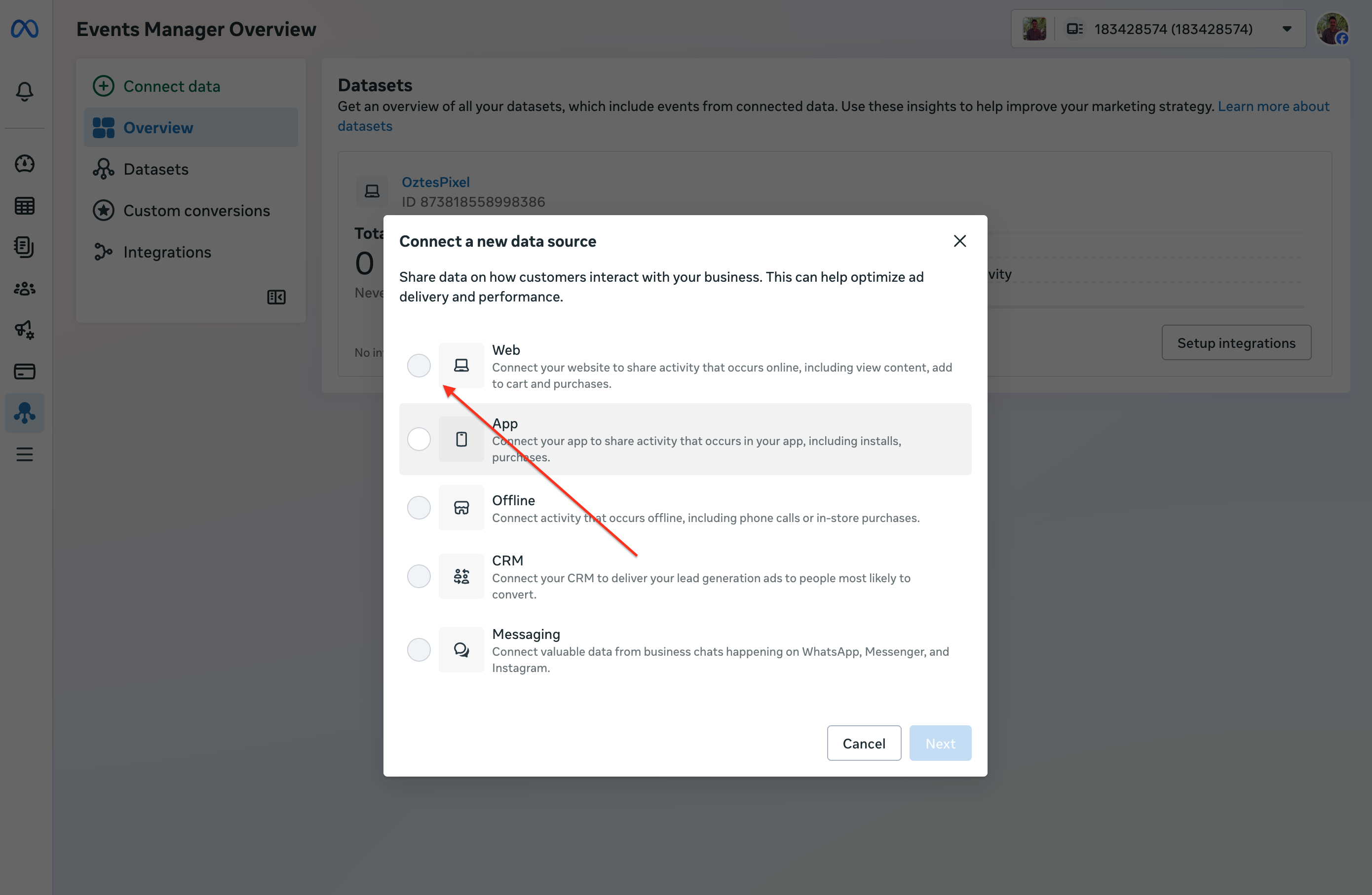
- Name your Pixel and click Create Pixel.
-
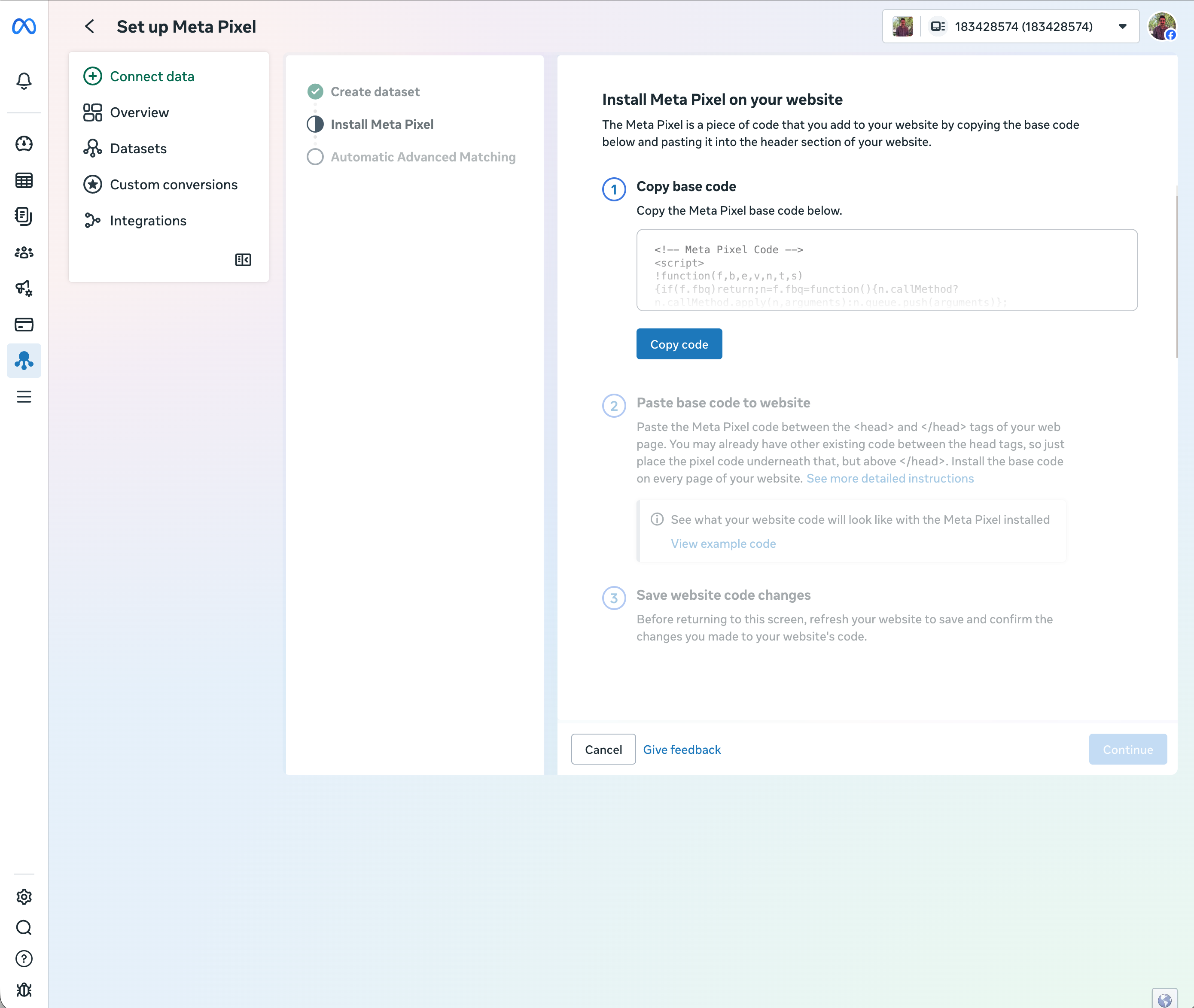
Choose Install code manually and copy the Pixel base code.
Step 2: Add Meta Pixel to Google Tag Manager
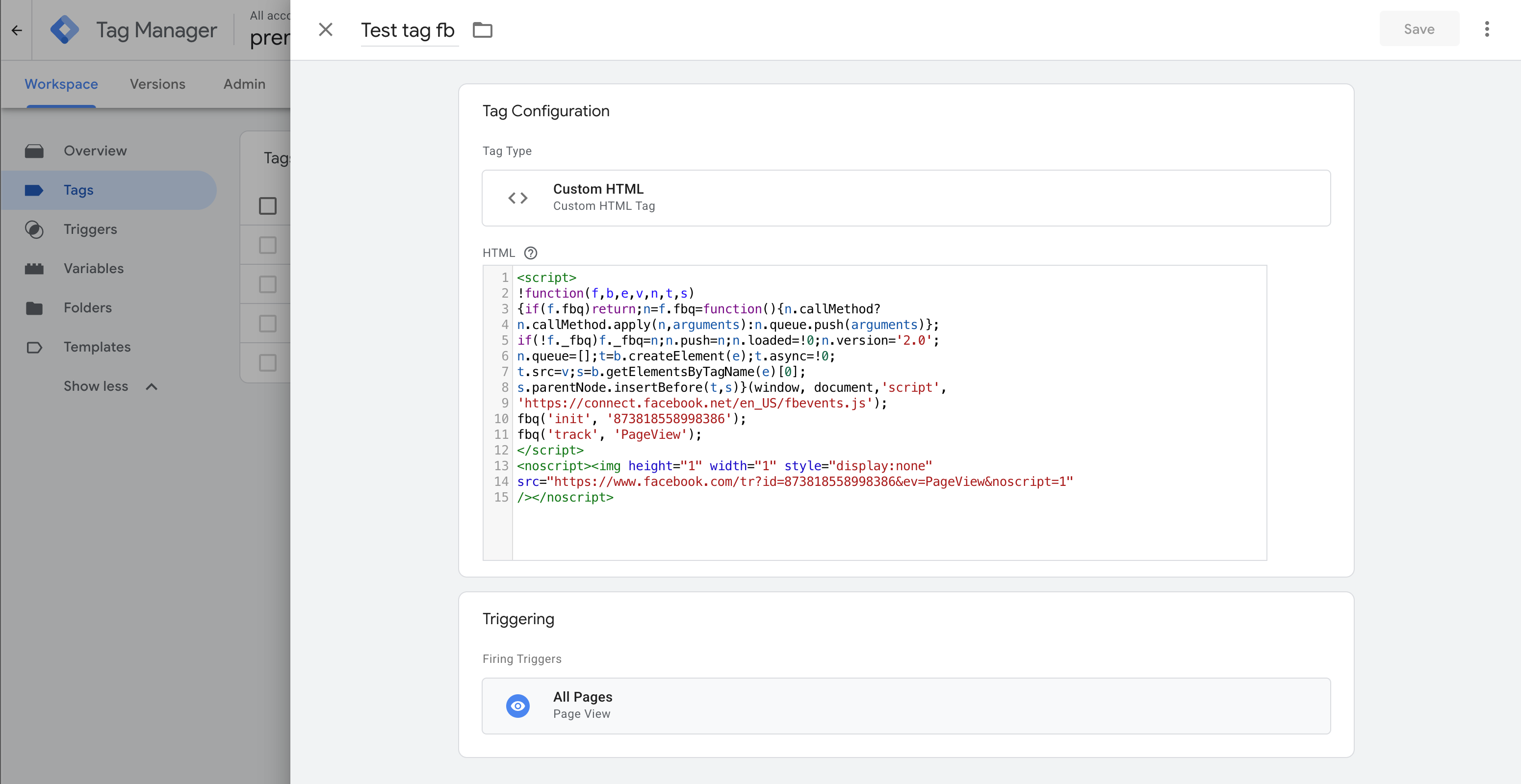
- Log in to Google Tag Manager and select your container.
- Go to Tags → Click New.
- Click Tag Configuration → Choose Custom HTML.
- Paste your Meta Pixel base code in the HTML box.
- Click Triggering → Select All Pages.
- Click Save.
Step 3: Track Tekmetric Online Bookings (Optional)
- Go to Triggers → Click New.
- Choose Custom Event.
- Set Event Name as
bookingTool:success
- Click Save.
Then, create a new tag:
- Go to Tags → Click New.
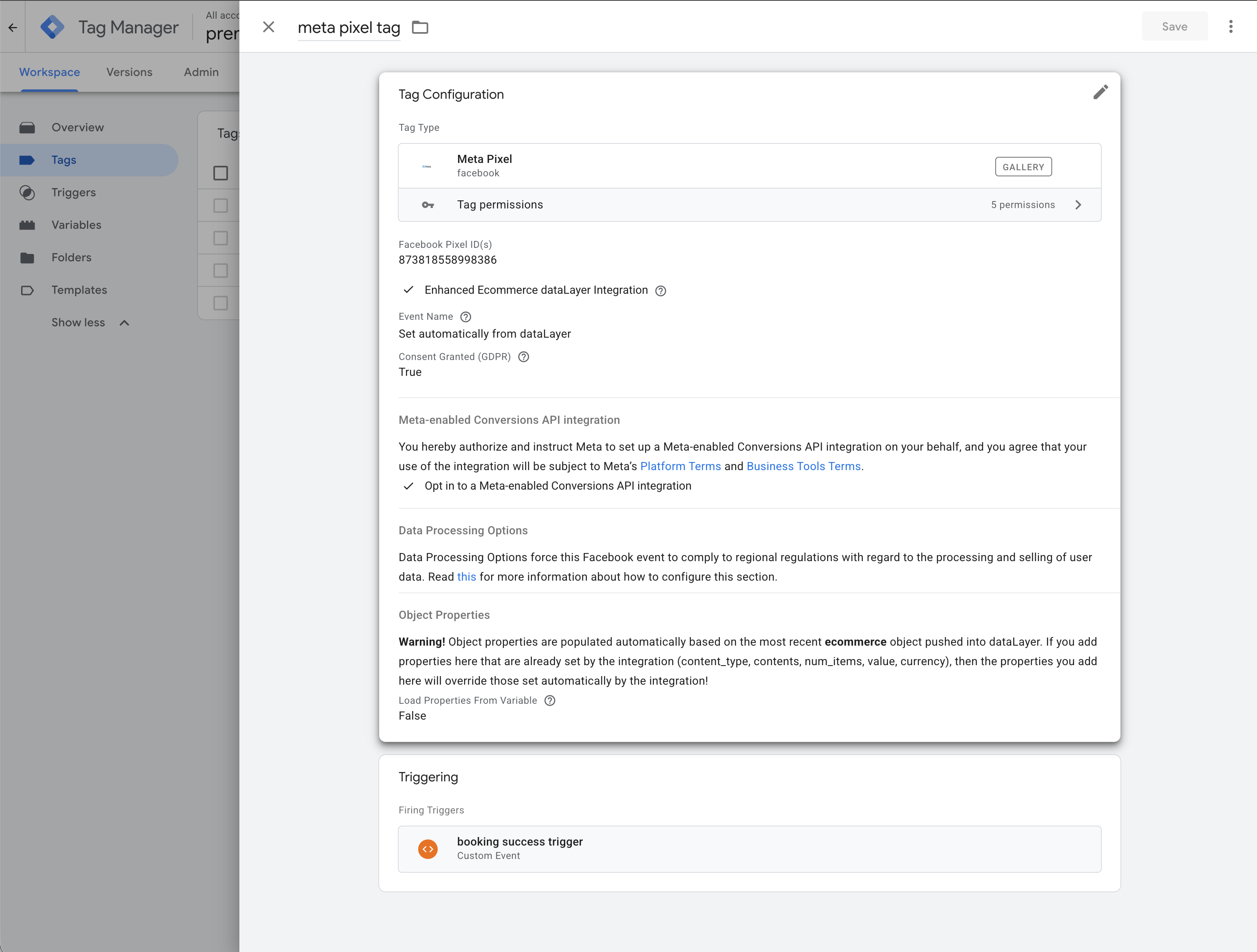
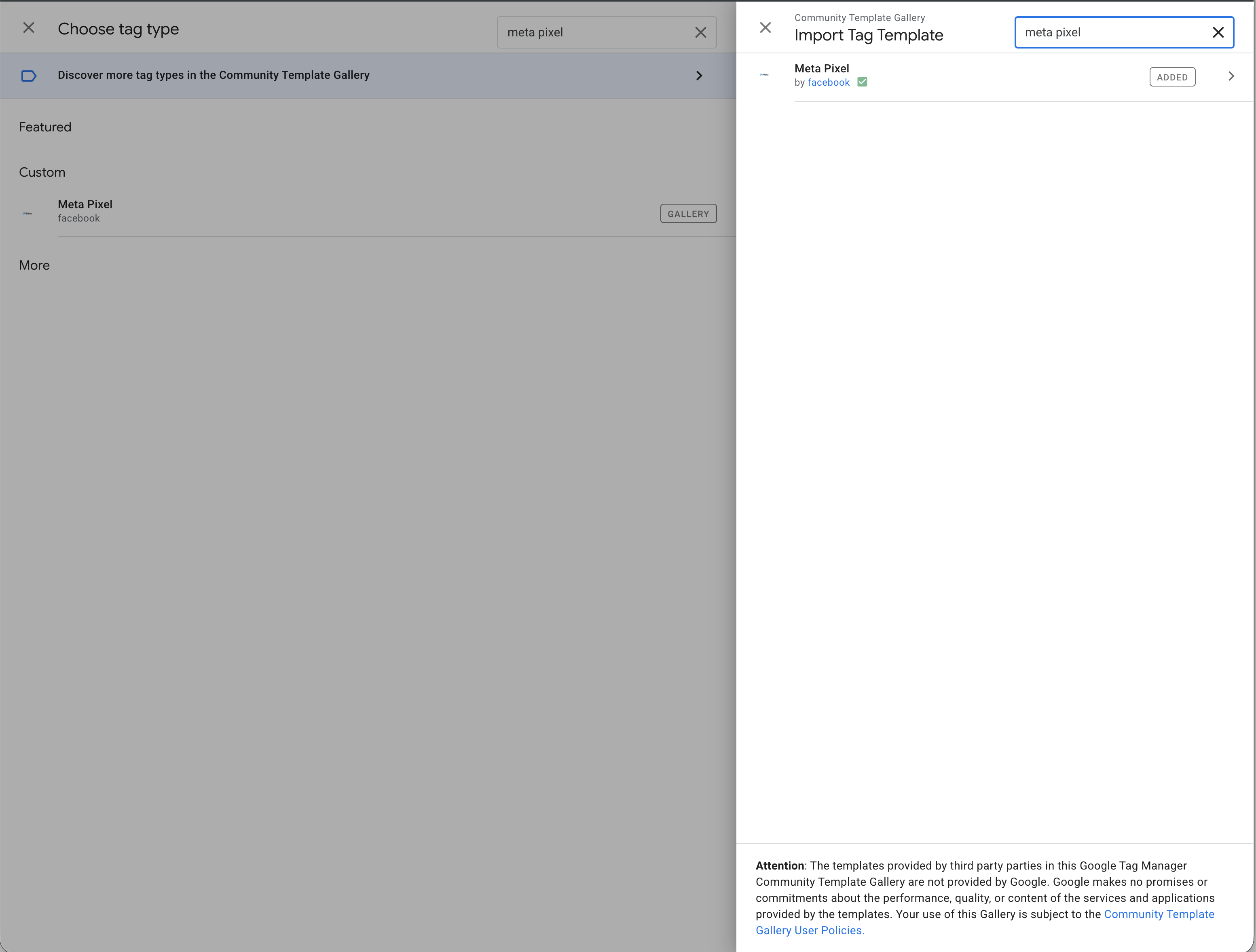
- Select Meta Pixel - Event Tag.
- Choose
bookingTool:success as the trigger.
- Click Save & Publish.