What is the Tire Suite?
The Tire Suite is an optional add-on that brings native tire quoting into Tekmetric. Instead of bouncing between a separate tool and your repair order, your advisors can build tire estimates, present options to the customer, and get authorization — all without leaving the estimate they're already working in.
Current features include:
Native Tire Quoting. Search for tires, compare options, and present pricing to customers — all without leaving Tekmetric. Includes two ways to quote:
- Repair Order Flow. Build a full tire job directly on an estimate. Labor and fees are applied automatically based on your Smart Tire Job setup, and customers can authorize right from the estimate.
-
Quick Quote. Get a fast tire estimate on the spot — no repair order, vehicle record, or customer record required. Advisors can search for tires and see a complete price breakdown including labor and fees
DOT Registration with Tiremetrix. Register sold-tire DOT numbers with the manufacturer electronically. Tekmetric checks each number for validity and recall status as you enter it.
Does the Tire Suite cost anything?
The Tire Suite is an optional add-on for $39 a month and can be cancelled at any time.
How do I turn the Tire Suite on?
The Tire Suite card can be found in Shop Settings > Integrations. It's located in the Featured Integrations section at the top of the page.

To turn the Tire Suite on, select View, then select Add To Plan.
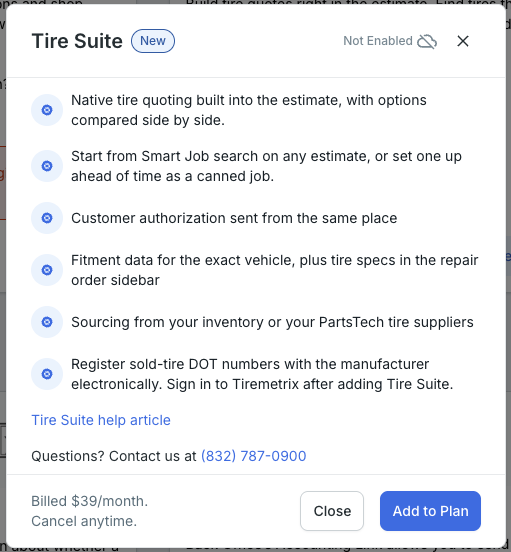
This will turn on the Tire Suite within your shop! The Tire Fitment Data feature will automatically be turned on in your shop, but you'll need to do some additional setup for DOT# Registration with Tiremetrix. Go to this page for a walkthrough of how to get set up with the Tiremetrix integration.
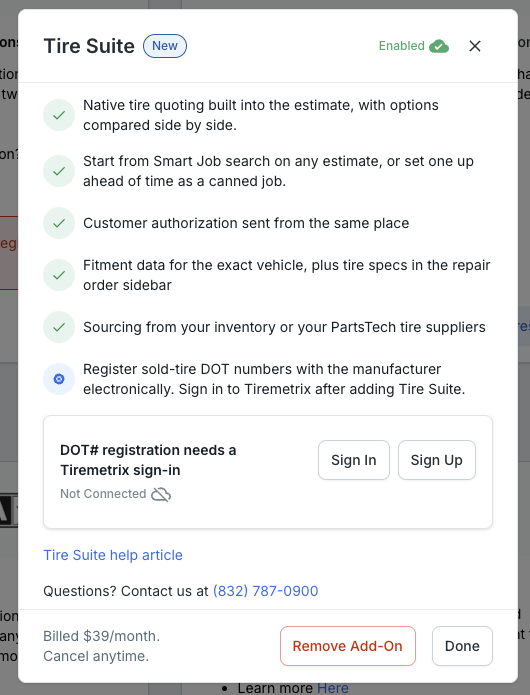
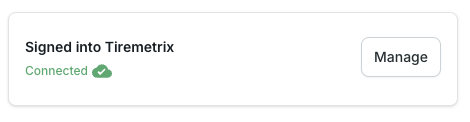
Once you've completed setup for DOT# Registration with Tiremetrix, it will appear as connected within the card. The overall Tire Suite card will appear as connected.
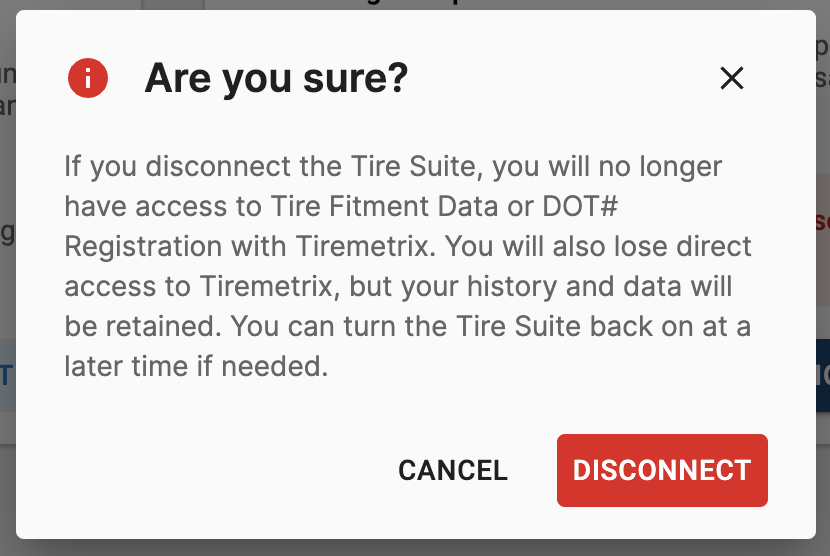
How do I turn off the Tire Suite?
You can select Remove Add-On to turn the Tire Suite off. You will be prompted with a warning to confirm your choice.